Firefox extensions have become indispensable for designers in 2025, offering tools that simplify workflows, reduce app-switching, and handle tasks like responsive testing, CSS editing, and asset extraction directly in the browser. Here’s a quick rundown of the top 11 extensions every designer should know:
- Hoverify: Inspect HTML/CSS by hovering, test responsive designs across devices, and extract assets easily. Costs $30/year or $89 lifetime.
- Web Developer: Debug layouts, manage images, and improve accessibility with a robust toolkit.
- ColorZilla: Extract precise colors, generate CSS gradients, and analyze palettes.
- Web Wizard: Analyze site performance and optimization (details still emerging).
- FireShot: Capture and annotate screenshots for documentation and feedback.
- Stylus: Apply and test custom CSS directly on websites.
- SEOquake: View SEO metrics like backlinks, traffic, and mobile usability directly in your browser.
- Window Resizer: Test designs on various screen sizes with preset and custom dimensions.
- Font Finder: Identify fonts and CSS styling on any webpage.
- Greasemonkey: Automate tasks and test custom JavaScript effortlessly.
- Palette Grabber: Extract entire color schemes from web pages and export to design tools.
These tools address key design challenges, from improving efficiency to refining user experience. They’re easy to integrate into your daily workflow and save time by consolidating tasks. Whether you’re debugging, testing responsive layouts, or refining visuals, these extensions help you stay productive and focused.
Colorzilla - Firefox/Chrome Extension for designers
1. Hoverify
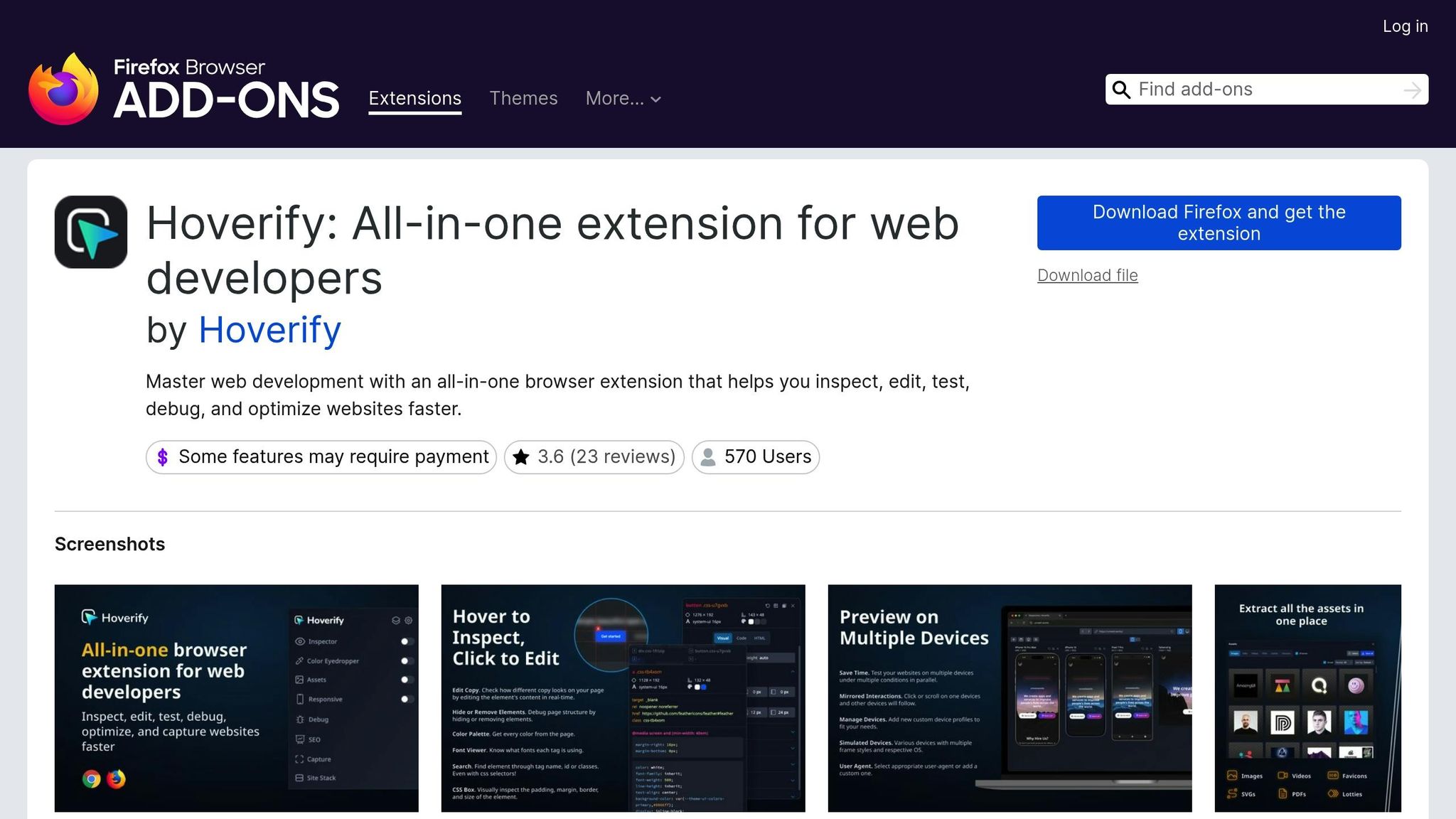
Hoverify is a Firefox extension that brings together a suite of tools tailored for designers, making your workflow smoother and more efficient.
Essential Tools for Designers
One of Hoverify’s standout features is its hover-to-inspect tool. By simply hovering over an element, you can instantly view its HTML structure and CSS properties - no need to dig through traditional developer tools. This feature makes inspecting designs, debugging projects, or gathering inspiration incredibly fast and straightforward.
The extension also supports real-time editing of HTML, CSS, and media queries. With syntax highlighting and a visual editor, it simplifies code adjustments. Plus, you can export elements and their child components directly to CodePen, keeping styling and structure intact for easy sharing.
These tools provide a strong foundation for addressing the demands of modern web design.
Tackling Modern Design Needs
Hoverify takes responsive design testing to the next level with its multi-device preview system. You can view your designs across multiple device frames simultaneously, with synchronized interactions like clicks and scrolling across all viewports.
Its color eyedropper tool is another handy addition, allowing you to pick colors from images, iframes, and other web elements. It supports a variety of formats, including RGB, CMYK, HSL, and hex, ensuring compatibility with your preferred color system.
For asset management, Hoverify excels at extracting images, SVGs, videos, PDFs, and even Lottie animations from any webpage. It can detect assets hidden in iframes or backgrounds and offers the option to download them in bulk as a zip file.
Integration That Fits Your Workflow
Hoverify streamlines your workflow by reducing toolbar clutter and cutting down on app switching. Its interface integrates seamlessly with Firefox, offering quick access through keyboard shortcuts or a popup menu. This design ensures Hoverify blends smoothly into your daily tasks.
The custom code injection feature is particularly useful for testing changes or debugging interactions. You can add HTML, CSS, or JavaScript directly to any webpage without altering the original code, making it a flexible tool for experimentation.
Features to Enhance Productivity and Creativity
Hoverify’s screenshot tools let you capture full pages, specific elements, or custom areas. An integrated editor allows you to add backgrounds, effects, and annotations, enabling you to create polished visuals without needing extra software.
The extension also includes SEO analysis tools to review meta tags, headers, and semantic HTML elements, ensuring your designs are optimized for search engines as well as aesthetics.
Another useful feature is the Site Stack tool, which reveals the technology behind any website. It displays details like hosting providers, frameworks, libraries, and WordPress plugins, giving you insights that can inform your design choices.
Priced at $30 per year or a one-time $89 lifetime deal, Hoverify offers a powerful set of professional tools at an affordable rate, making it a must-have for any designer looking to elevate their workflow.
2. Web Developer
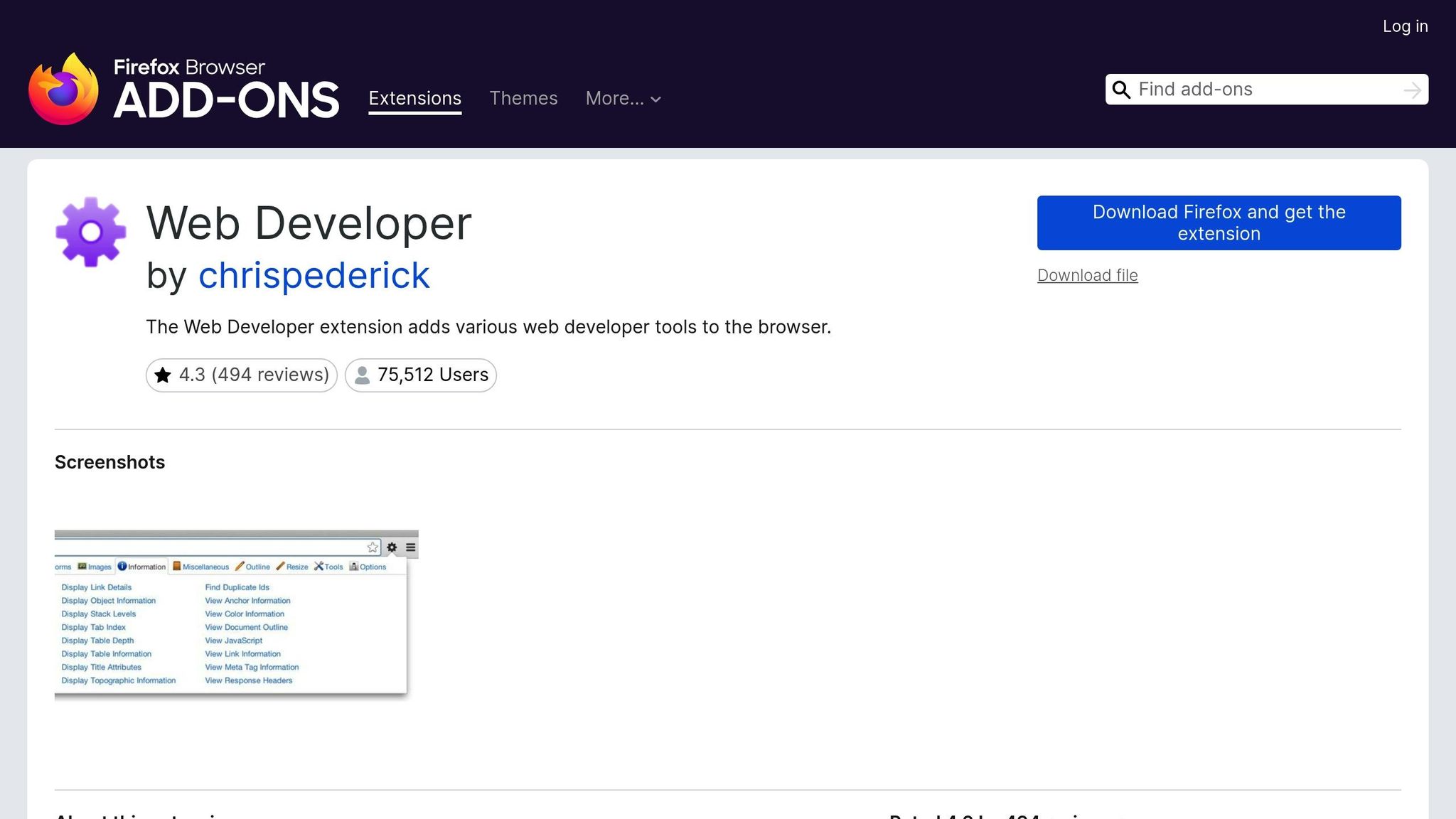
The Web Developer extension transforms Firefox into a powerful toolkit for responsive design. With its wide range of CSS tools, it allows you to inspect, tweak, and test styles - making it invaluable for debugging layouts and ensuring your designs work smoothly across different devices. Beyond CSS, it also includes features for managing images and improving accessibility.
For image handling, the extension lets you check dimensions and spot any missing images - key steps in optimizing layouts and reducing load times. It also helps you verify the presence of alt tags, a crucial component for meeting web accessibility standards and creating designs that are inclusive for all users.
In short, Web Developer simplifies responsive design while promoting accessibility in your projects.
3. ColorZilla
ColorZilla is a handy browser extension that acts as a color picker and eyedropper, offering color codes in formats like HEX, RGB, and HSL.
Essential Features for Designers
With its eyedropper tool, ColorZilla allows you to grab the exact color from any pixel on your browser screen. It also analyzes webpage color palettes and can automatically generate CSS gradients. For more complex tasks, its averaging square function helps extract accurate colors from photos or intricate backgrounds.
“The most frequently used feature of this extension is the eyedropper and the history of previously picked colors. I rarely use any other features.” – CY Park
These tools are designed to meet the needs of designers tackling a range of color-related challenges.
Tackling Modern Design Needs
ColorZilla makes it easier to create cohesive color schemes by suggesting combinations like complementary, triadic, and analogous palettes.
Seamless Integration into Your Workflow
Thanks to its intuitive interface, ColorZilla fits smoothly into your daily design routine without interrupting your creative process. Whether you’re identifying logo colors, pulling inspiring palettes, or fine-tuning UI elements for websites, this extension is a reliable companion. It’s particularly useful for matching brand colors and refining designs with precision.
4. Web Wizard
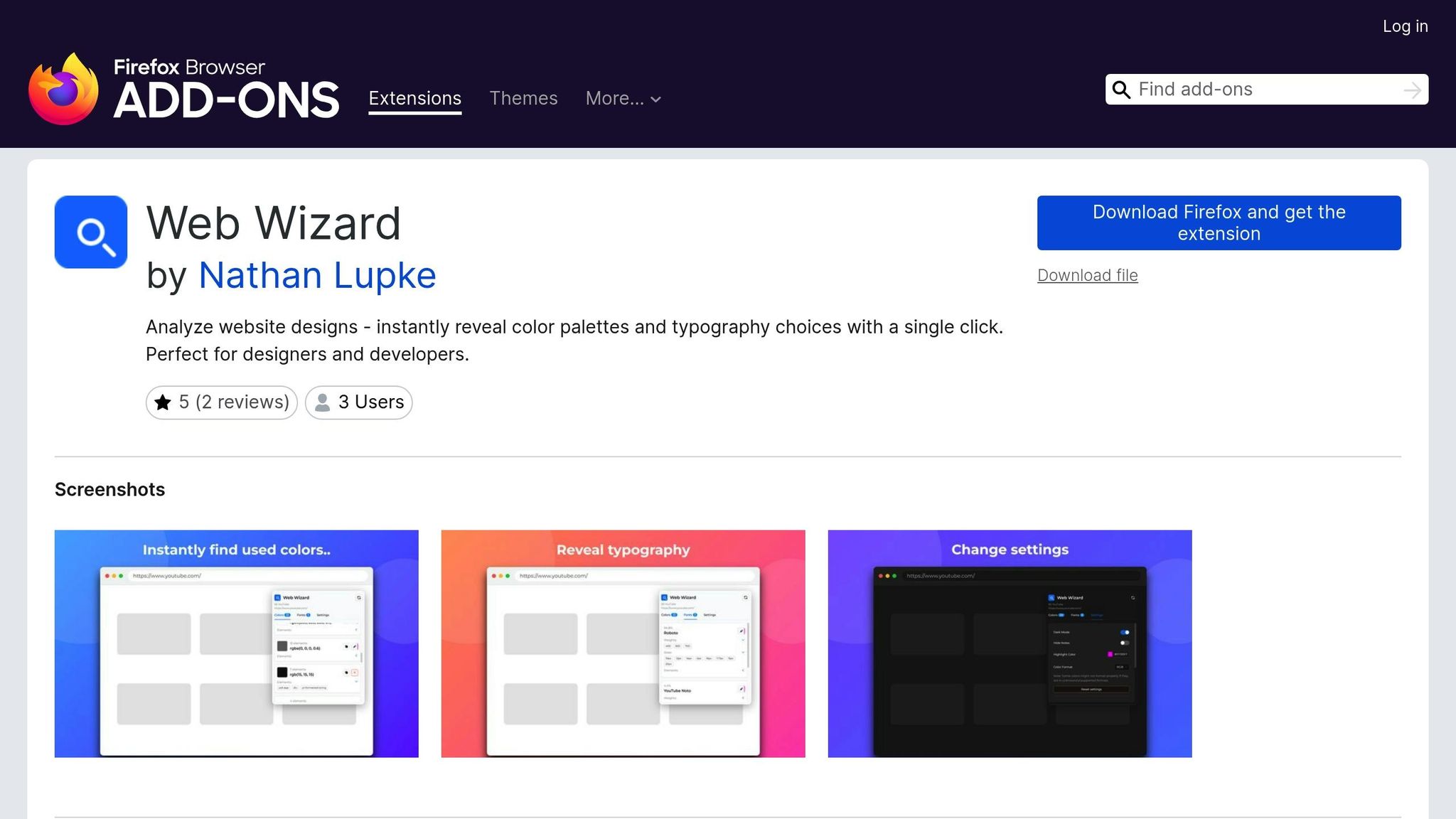
Among the growing range of design tools, Web Wizard has started to gain attention as an option worth exploring. However, detailed information about its design workflow features for 2025 is still limited. For now, the best way to determine its potential value is to try it yourself and see how it fits into your creative process.
5. FireShot
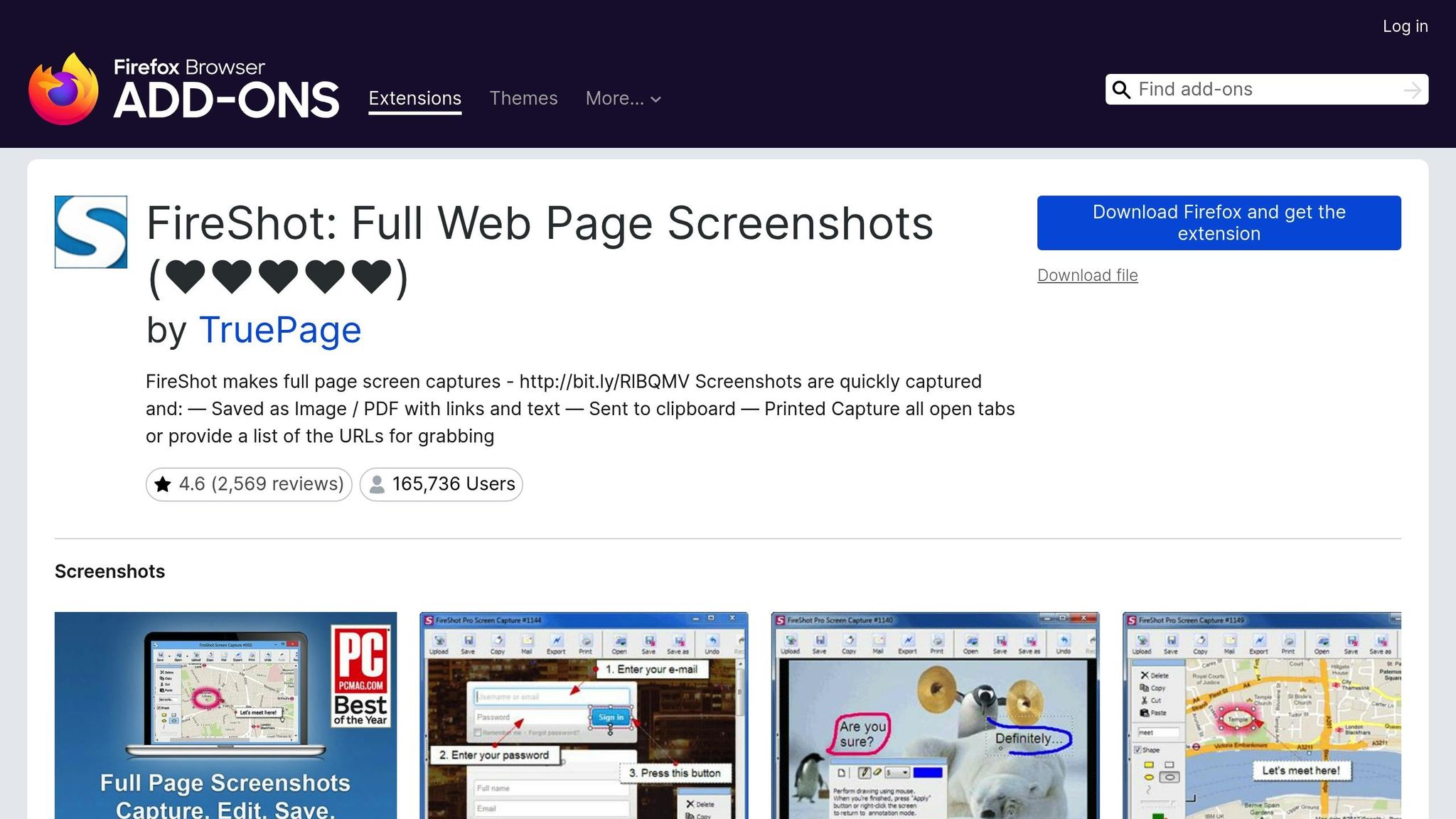
FireShot is a Firefox extension that steps beyond basic screenshot tools, offering a powerful way to simplify design documentation and feedback. By allowing users to capture and annotate screenshots directly in Firefox, it becomes an essential tool for designers aiming to streamline their workflows.
Features That Enhance Design Workflows
FireShot lets you take both full-page and partial-page screenshots, making it perfect for tracking design progress or creating visual records. You can save these screenshots in various formats, including images and PDFs, while preserving links and text for added functionality. But FireShot doesn’t stop at capturing - it also offers advanced editing and annotation tools, turning simple screenshots into valuable design assets.
“With this extension, you can capture, edit, annotate, and save webpage screenshots as an image or PDF file with links and text.” - Kinsta
A Boost for Design Documentation
FireShot stands out with its ability to capture full or partial pages, support multiple file formats, and provide robust tools for annotation. Designers can add text, shapes, and icons to their screenshots, making it easier to share feedback or document ideas during design reviews. It’s also a handy tool for gathering competitor insights and organizing visual research, helping designers keep their inspiration and analysis well-structured.
“What is unique about this plugin is that it gives you a set of editing and annotation tools for working with your screenshots.” - webfx.com
“Make efficient notes during online research of competitors, or improve your how-to guides with instructive screenshots.” - Kinsta
Whether you’re creating design documentation or onboarding materials, FireShot’s annotated screenshots ensure clarity and consistency across teams. By transforming basic screen captures into insightful visual aids, FireShot adds real value to design projects, complementing other tools in your workflow.
6. Stylus
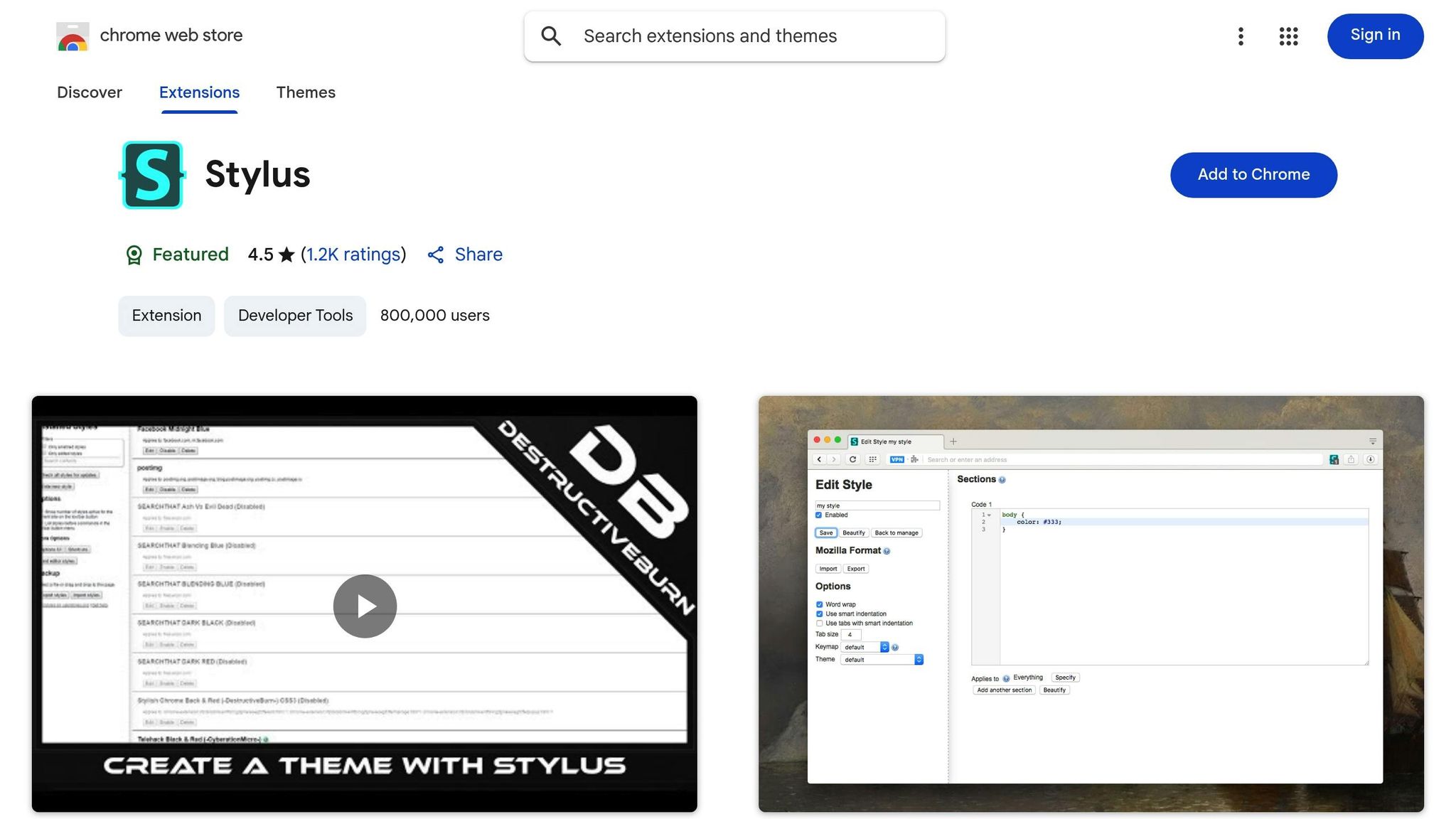
Stylus takes a different approach compared to tools that focus on capturing and annotating visuals. This browser extension is all about real-time CSS customization. It allows designers to apply custom CSS to any website instantly, offering a unique way to redesign and personalize sites. Whether you’re testing ideas, refining user experiences, or sharpening your design skills, Stylus is a handy tool to have.
How Stylus Fits Into Design Workflows
At its core, Stylus functions as a live CSS editor, enabling designers to modify or completely overhaul the look of websites on the fly. You can create your own CSS themes or use pre-made ones crafted by other designers. This flexibility makes it perfect for experimenting with different design concepts or fine-tuning how websites appear during daily browsing.
“Stylus gives you the creative freedom to make the web pages you interact with look like you want them to look.” - Kinsta
Tackling Modern Design Challenges
Stylus is especially useful for making quick layout tweaks, adjusting color schemes, or fine-tuning typography. These real-time changes help improve clarity and accessibility. With its advanced customization options for layouts, colors, and icons, Stylus gives designers full control over visual elements.
This immediate feedback loop is a game-changer. It not only speeds up the design process but also provides insights into how changes impact user experience across different sites, making it easier to refine designs effectively.
Features That Spark Productivity and Creativity
Stylus simplifies the design process with features like real-time CSS testing and one-click backups for custom themes. Its built-in theme library offers a variety of design ideas, giving you a chance to explore and learn from other approaches.
One standout feature is the ability to modify existing websites directly. You don’t need to set up a separate development environment - just tweak the CSS and see the results immediately. This hands-on approach is great for honing your CSS skills and understanding how different techniques work.
“Helps with modifying the styles of websites. I rarely need it, but it’s so nice to have when I do.” - Alexandru Nedelcu, Author
Stylus also allows you to apply styles selectively to specific websites. This means you can build a library of customizations tailored to your needs, serving as a valuable reference for future projects.
7. SEOquake
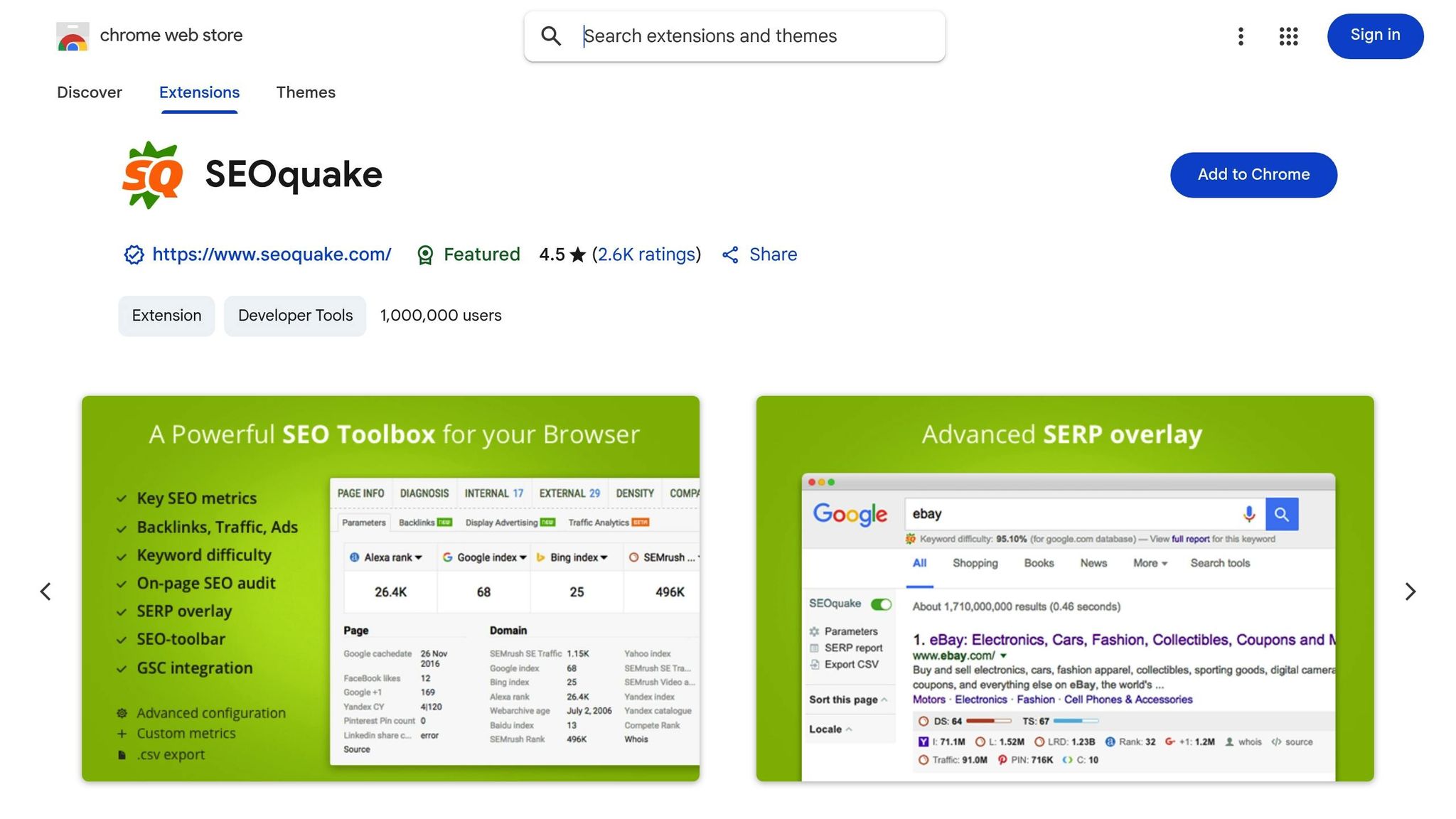
SEOquake is a free Firefox extension that delivers essential SEO insights right in your browser. For web designers, it’s a handy tool that highlights metrics like backlink data, traffic estimates, display ad details, and search engine indexing issues. These insights are invaluable for improving both a site’s visibility and its user experience.
“As one of the best Firefox addons for web designers, SeoQuake will help you in optimizing your web pages for search engines.” - William Craig, CEO & Co-Founder, WebFX
Let’s dive into how SEOquake integrates SEO insights into design workflows.
Core Functionality for Design Workflows
SEOquake overlays critical SEO metrics on every webpage you visit. You can instantly access data like backlinks, traffic estimates, and export results to CSV files. This makes it simple to create detailed reports for clients or share insights with your team.
Addressing Modern Design Challenges
In today’s world, responsive design is a must, and SEOquake steps up by evaluating mobile usability. It helps you understand how well a site functions on mobile devices, ensuring your designs meet modern standards. It also tracks social sharing stats, offering a clearer picture of how content performs across platforms. This data can guide decisions about call-to-action placement or social media integration, making it a valuable tool for aligning design with user engagement.
Seamless Integration into Workflows
“The SEOquake Firefox extension stands as one of the oldest and most trusted SEO toolbars available.” - Anastasia Melnyk, Mettevo
One of SEOquake’s standout features is its simplicity. There’s no complicated setup - just install it, and the extension starts displaying SEO data on every page you visit. Whether you’re conducting design research, analyzing competitors, or reviewing a client’s site, SEOquake provides insights without interrupting your workflow. Its long-standing reputation among SEO professionals also makes it a trusted bridge between design and marketing teams.
Features That Save Time and Improve Results
SEOquake doesn’t just give you data - it helps you act on it. By quantifying how design impacts search performance, it allows designers to refine layouts for better results. The extension also saves time by instantly delivering key metrics, so you can spend more energy on creative tasks. Plus, its audit capabilities highlight which design elements are driving results, making it a great resource for crafting templates, optimizing landing pages, or improving existing content layouts.
8. Window Resizer
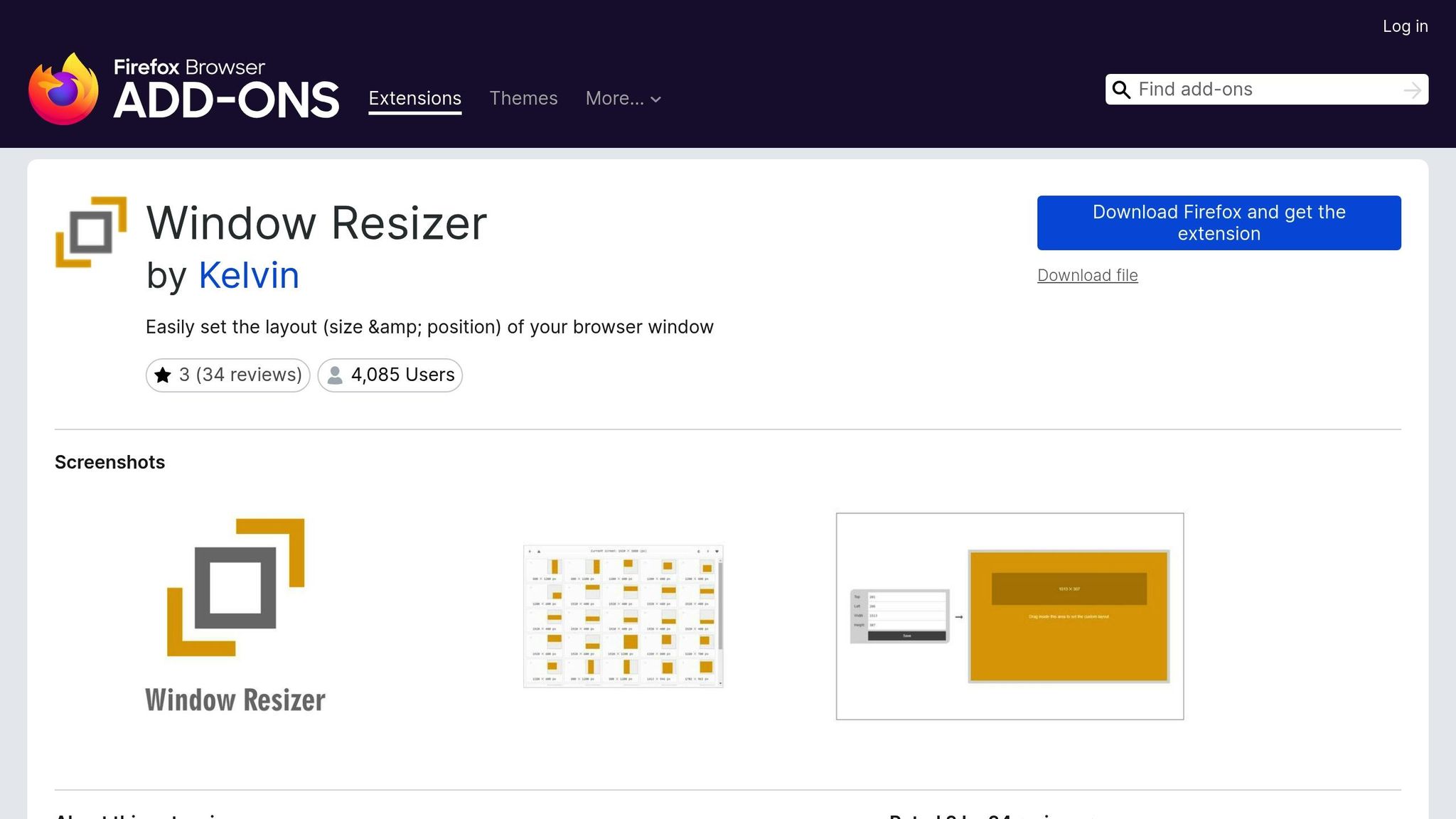
Window Resizer is a handy Firefox extension that simplifies the process of resizing your browser viewport to match specific screen sizes and resolutions. It’s a go-to tool for designers who need to ensure their work looks great across a variety of devices. With this extension, you can preview how your designs appear on different screen dimensions right away, eliminating the guesswork from responsive testing. Plus, its combination of preset and customizable size options makes it even easier to confirm that your layouts meet technical requirements - all without needing to juggle multiple devices.
Tackling Modern Design Challenges
Testing responsive designs is a breeze with Window Resizer’s built-in device presets. These presets cover dimensions for commonly used devices, including smartphones, tablets, laptops, and desktops. This means you can quickly switch between popular screen sizes and see how your designs hold up in real-world scenarios.
But what if you’re working on something a little outside the norm? Window Resizer has you covered there, too. The extension allows you to create custom screen sizes, perfect for testing unique aspect ratios or specific breakpoints tailored to your project. It’s a flexible tool that adapts to your design needs.
Seamless Integration Into Your Workflow
There’s no steep learning curve with Window Resizer. Once installed, you can immediately start using it to toggle between device presets or custom dimensions with just a click. Its simplicity means you can integrate responsive testing into your workflow right away, keeping your focus on perfecting your design rather than figuring out a complex tool.
Features That Save Time and Inspire Creativity
The preloaded options for popular devices save you the hassle of memorizing screen dimensions, letting you focus on more creative aspects of your work. These presets ensure your designs are optimized for the screens your audience is most likely to use. With its time-saving features and ease of use, Window Resizer quickly becomes an essential part of any designer’s toolkit.
9. Font Finder
Font Finder is a Firefox extension that gives you instant access to detailed typography information by simply highlighting any text on a webpage. With its straightforward point-and-click functionality, it fits seamlessly into your design process.
Key Features for Typography Exploration
When you highlight text, Font Finder immediately displays essential font details like font-family, font-size, and color values. It provides the exact CSS styling behind the text, giving you a clear picture of what shapes its appearance.
This tool is especially helpful when analyzing typography trends or figuring out why certain font pairings work well together. Instead of sifting through code or guessing at font choices, you get accurate technical details in seconds. This makes it easier to research, experiment, and refine your typography decisions with confidence.
A Natural Fit for Your Workflow
Font Finder’s intuitive design blends effortlessly into your daily tasks. Whether you’re gathering inspiration, creating mood boards, or researching design elements, the extension eliminates the need to switch between tools or tabs.
It’s particularly useful in the early stages of a project when you’re defining typography guidelines and testing font combinations to match your creative vision.
Enhancing Productivity and Creativity
By delivering precise font data instantly, Font Finder saves you time and encourages experimentation with typography. It allows you to focus on the creative aspects of design without getting bogged down by technical details. Plus, it deepens your understanding of how font choices influence the overall impact of a design, helping you make informed decisions with ease.
10. Greasemonkey
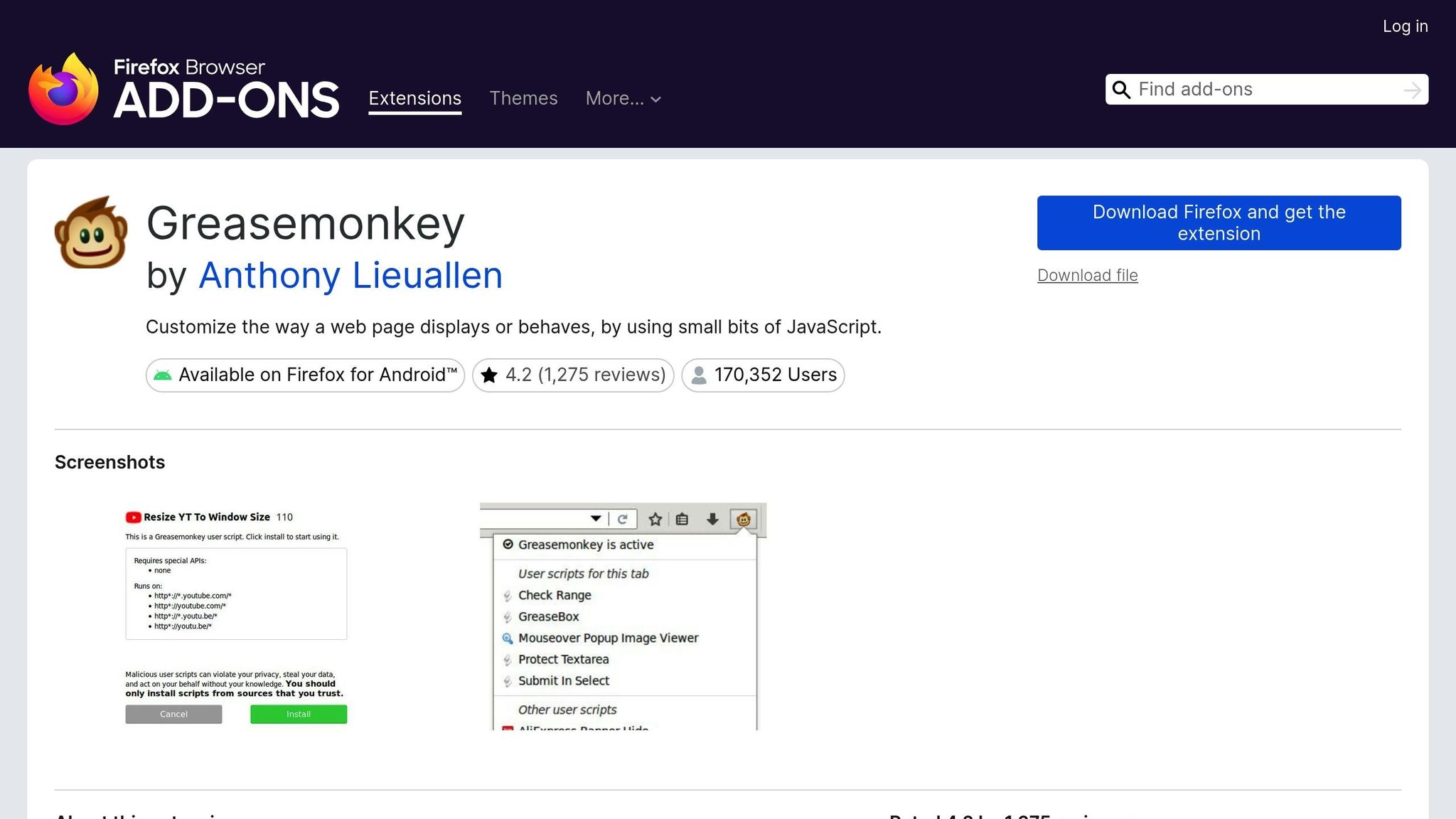
Greasemonkey is a free, open-source extension for Firefox that allows designers to inject and run custom JavaScript on web pages. This makes it a handy tool for testing visual changes and simplifying workflows.
How It Works for Designers
At its core, Greasemonkey uses user scripts to tweak a web page’s appearance and functionality. You can either create your own scripts or use pre-existing ones to handle repetitive tasks or make custom adjustments. The best part? These changes don’t touch the original source code, giving you the freedom to prototype design ideas and experiment with visual tweaks seamlessly.
Seamless Integration into Your Workflow
Greasemonkey is easy to incorporate into your daily design routine. Once set up, it automatically runs your scripts on specific websites, integrating custom functionality into your workflow without much effort. Plus, being open-source, it offers transparency - you can review the code behind any script to see exactly how it operates.
Boosting Efficiency and Sparking Creativity
By automating repetitive tasks and enabling quick visual tests, Greasemonkey can save you time and effort. It’s a powerful tool for streamlining design iterations and encouraging creative exploration.
11. Palette Grabber
Palette Grabber is a game-changer for designers looking to streamline their workflow and manage color schemes more effectively. This tool doesn’t just pick individual colors - it dives deep into a webpage’s entire color composition to create harmonious palettes that reflect the original design’s balance and intent.
How Palette Grabber Works
Palette Grabber scans a webpage to analyze its full color scheme, identifying key hues and how they interact. The result? Thoughtfully crafted palettes that maintain the original color relationships, offering a ready source of inspiration or a starting point for redesign projects.
Easy Workflow Integration
One of the standout features of Palette Grabber is its compatibility with popular design tools. You can export palettes in formats like Google Palette or Adobe Swatch, making it simple to integrate them into your existing design software with minimal effort.
Enhancing Creativity and Efficiency
By quickly extracting color schemes, Palette Grabber saves valuable time during the early stages of design. With less time spent on manual color selection, you can dive straight into experimenting with combinations that elevate your creative projects.
Extension Comparison Table
Choosing the right Firefox extensions can make a world of difference for a smooth and efficient design workflow. The table below outlines the core features of some top extensions that are indispensable for designers in 2025.
| Extension Name | Core Functionality | Key Benefit for Designers | Standout Feature |
|---|---|---|---|
| Hoverify | All-in-one web development toolkit | Simplifies the design process with hover-to-inspect tools | Real-time visual editing without dev tools |
| Web Developer | Comprehensive web utilities | Offers debugging and validation tools | Accessibility testing features |
| ColorZilla | Advanced color picker and analyzer | Enables precise color extraction | Gradient generator and CSS gradient analyzer |
| Web Wizard | Website analysis and optimization | Spots performance issues affecting user experience | Detailed site speed analysis with actionable tips |
| FireShot | Screenshot capture tool | Helps create polished documentation and presentations | Annotation tools for marking up screenshots |
| Stylus | Custom CSS injection | Facilitates live style experimentation | Easy management of multiple style sheets |
| SEOquake | SEO analysis and metrics | Ensures designs align with SEO best practices | Real-time SEO parameter overlay |
| Window Resizer | Viewport testing tool | Tests responsive designs across various screen sizes | Predefined device presets for common breakpoints |
| Font Finder | Typography identification | Identifies fonts on websites | Detailed font details, including weights and styles |
| Greasemonkey | Custom script execution | Automates repetitive tasks using JavaScript | Extensive library of reusable scripts |
| Palette Grabber | Color scheme extraction | Creates cohesive color palettes from designs | Export compatibility with Adobe and Google tools |
Looking at the table, it’s clear how each extension addresses specific design challenges. For instance, Hoverify stands out as a powerhouse, combining multiple tools into one. Its hover-to-inspect feature alone saves designers countless hours, and the real-time visual editor eliminates the constant back-and-forth between browser and development tools.
For color management, ColorZilla and Palette Grabber form a perfect duo. ColorZilla provides pinpoint accuracy for selecting individual colors, while Palette Grabber takes it a step further by generating complete palettes, making it easier to maintain a cohesive color scheme.
Responsive design gets a boost with Window Resizer, which offers quick viewport testing. However, Hoverify raises the bar by enabling synchronized multi-device testing, making it ideal for handling intricate responsive layouts.
Tools like SEOquake and Web Wizard highlight the importance of considering performance and SEO during the design phase. By integrating these technical aspects early, designers can ensure their work aligns with both user experience and search engine requirements.
Each of these tools is crafted to reduce workflow inefficiencies and consolidate tasks, addressing one of the biggest pain points in modern design. Together, they help designers work smarter and more effectively, transforming how projects are approached and executed.
Conclusion
Web design in 2025 calls for smart tool choices that can reshape how designers approach their work. These eleven Firefox extensions create a well-rounded toolkit, where each one plays a specific role to streamline the design process and tackle the challenges of modern web development.
Each extension brings its own strength to the table. Hoverify acts as a powerhouse, offering inspection, editing, and testing features that would normally require multiple separate tools. When paired with ColorZilla and Palette Grabber, designers can maintain consistent visuals while speeding up their workflow. The combination becomes even more effective with Window Resizer, which simplifies responsive testing, especially when used alongside Hoverify’s synchronized multi-device preview for handling intricate layouts.
On the technical side, Web Developer and SEOquake provide essential debugging and SEO insights, ensuring a strong foundation. Meanwhile, Font Finder makes working with custom fonts a breeze, allowing designers to identify, test, and implement fonts with ease. To keep communication on track, FireShot delivers annotated screenshots, helping teams and stakeholders stay aligned throughout the project.
Automation plays a crucial role as well. Greasemonkey eliminates repetitive tasks with one-click solutions, giving designers more time to focus on creative challenges instead of routine chores.
Browser extensions can significantly influence a designer’s workflow, making it important to regularly explore new tools that boost productivity and keep you ahead of the curve. The trick is to choose extensions that align with your daily tasks, ensuring they bring real value to your work.
As web design continues to evolve rapidly, staying updated with the latest tools isn’t just helpful - it’s necessary to remain competitive. These extensions go beyond convenience; they’re strategic assets that enhance efficiency and help designers thrive in an ever-changing industry.
The real magic happens when these tools work together seamlessly. Each one solves a specific problem, but collectively, they transform fragmented workflows into a cohesive system that unlocks the full potential of your browser and supports your professional growth like never before.
FAQs
How can the Firefox extensions featured in the article improve a designer’s workflow in 2025?
The Firefox extensions mentioned in this article aim to make a designer’s life easier by tackling some of the everyday hurdles in modern design workflows. They help with tasks like inspecting elements, choosing colors, prototyping, and fine-tuning web assets. The goal? To save time and allow designers to focus on crafting meaningful and effective designs.
Adding these tools to your workflow can cut down on repetitive tasks, sharpen accuracy, and boost efficiency. In a fast-moving field like web design and development, these extensions can help you stay on top of your game.
What makes Hoverify an essential tool for web designers?
Hoverify comes loaded with tools that make web design a whole lot easier. You can inspect elements without hassle, grab colors directly from any webpage, and test how designs look across different screen sizes - all in just a few clicks. These features not only save time but also make your workflow smoother, whether you’re just starting out or have years of experience under your belt.
On top of that, Hoverify lets you quickly access key details about web assets like fonts, images, and styles, helping you fine-tune your projects. With its intuitive interface and powerful features, this extension is a game-changer for staying efficient and creative in today’s web design landscape.
What’s the best way for designers to incorporate these Firefox extensions into their daily workflows?
Designers can easily integrate Firefox extensions into their workflows by matching each tool to specific tasks like analyzing elements, choosing colors, prototyping, or optimizing web assets. These tools aim to simplify tedious processes and enhance creative focus, allowing designers to concentrate on crafting impactful designs.
Start by pinpointing the parts of your workflow that feel time-consuming or challenging. Then, bring in extensions tailored to those needs. For instance, an element inspection tool can help you quickly break down web layouts, while a color picker makes selecting and managing palettes a breeze. Over time, using these extensions consistently can save valuable time and boost productivity.