Web design is more than just crafting visually appealing websites; it’s about creating intuitive, accessible, and efficient digital environments. Whether you’re a seasoned developer aiming to refine your design process or a newcomer eager to grasp the foundational ideas, understanding the core principles of web design can transform how you approach your projects.
In this article, we’ll explore essential web design concepts that lay the groundwork for creating professional, user-friendly websites. From planning the structure to implementing responsive designs, these insights will enhance your workflow and help you deliver better results with fewer missteps.
The Key Difference: Web Design vs. Web Development
Before diving into the nitty-gritty, it’s vital to distinguish between web design and web development. While the two are often used interchangeably, they represent different disciplines:
- Web Design: This involves planning and building the visual aspects of a website, such as layout, typography, colors, and user experience (UX).
- Web Development: This refers to the technical process of coding and turning visual designs into functional, live websites.
Starting with web design is crucial because it provides a well-thought-out roadmap for developers, reducing inefficiencies and ensuring smooth implementation. Without a solid design plan, development efforts can waste time and result in unprofessional or inflexible websites.
The Web Design Process: Step-by-Step
1. Creating a Sitemap
A sitemap serves as the backbone of any website. It’s a structured list of all the pages and sections on your site.
Why it matters:
- Prevents overdeveloping or underdeveloping your website.
- Ensures every critical element is accounted for.
- Helps search engines like Google index your content efficiently via a file called
sitemap.xml.
How to create one:
- Open a basic tool like Google Docs or any text editor.
- Write down the pages and sections you want on your website, such as “Home”, “About Us”, “Contact”, etc.
2. Designing Wireframes
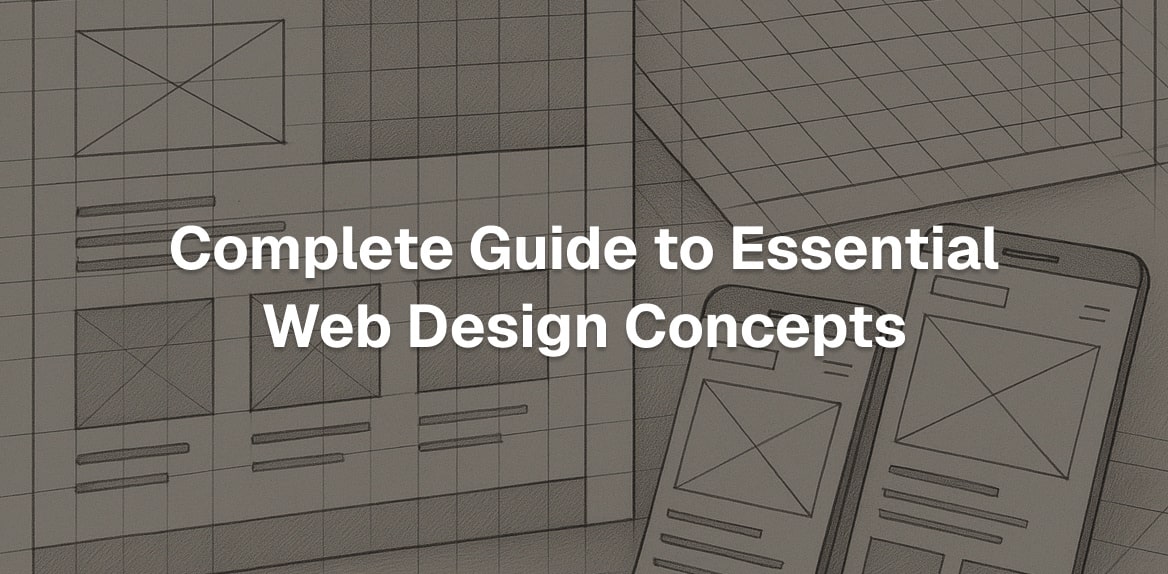
A wireframe is a visual sketch of your website’s layout. Think of it as a blueprint that outlines where elements like headers, images, and buttons will go.
- Tools to use: Wireframes can be created with software like Figma or Sketch, but a pen and paper work just as well.
- Purpose: Wireframes save time by letting you test layouts quickly before committing to development.
Pro tip: If you’re stuck, draw inspiration from platforms like Lapa.ninja or OnePageLove, which showcase effective website designs sorted by category.
3. Building a Design System
A design system is a collection of reusable rules, components, and guidelines that ensure your website looks cohesive and professional.
What to include:
- Colors: Define primary, secondary, and neutral tones.
- Typography: Establish fonts, sizes, and hierarchy.
- Spacing: Create consistent padding and margins for all elements.
- Components: Set standards for buttons, forms, and other reusable elements.
The beauty of a design system is its scalability: it allows you to design websites like building with Lego blocks - fitting components together effortlessly.
4. Understanding Tokens
Tokens are the building blocks of a design system:
- Primitive Tokens: Basic raw values like colors or pixel measurements.
- Semantic Tokens: Tokens mapped to specific elements, such as “button color” or “section padding”, to ensure consistency across designs.
For example:
- A primitive token like
brand-bluemight correspond to a specific hex color. - A semantic token like
button-colorwould referencebrand-blue, allowing you to tweak just the button’s appearance without affecting other areas.
Designing for Multiple Screen Sizes
Responsive vs. Adaptive Design
Modern web design must cater to devices of all shapes and sizes. This involves two key approaches:
- Responsive Design: Elements adjust proportionally to fit different screen sizes. For instance, cards on a page might shrink or grow based on the browser’s width.
- Adaptive Design: The layout changes entirely based on the screen size. For example, a three-column layout on desktop might switch to a stacked layout on mobile.
CSS Properties for Responsiveness
To implement responsive and adaptive designs, developers use CSS properties like:
- Viewport Width (VW) and Viewport Height (VH): Define element sizes relative to the visible browser area.
- M and REM Units: Size elements proportionally to font sizes, creating designs that scale naturally with zoom levels or device settings.
Using Clamps
Clamps are a CSS technique that allows you to control the size of an element across screen sizes with minimum, preferred, and maximum values. For example:
- Set a heading’s size to scale based on viewport width but ensure it never drops below 32px or exceeds 96px.
This technique ensures text and other elements remain readable and visually balanced, regardless of screen size.
Enhancing User Experience (UX)
At its core, UX focuses on how users interact with and navigate your website. Good UX isn’t about flashy animations or complex designs - it’s about simplicity and functionality.
Two UX Essentials:
- Visitor Journey Mapping: Chart the flow a visitor takes from landing on your homepage to completing an action, such as making a purchase or filling out a form.
- Ease of Use: Remove barriers by ensuring everything is intuitive and quick to access.
A great UX design combines all the elements mentioned earlier - structured sitemaps, thoughtful wireframes, and responsive layouts - to create a seamless and satisfying experience for your audience.
Key Takeaways
- Design Comes First: Always start with web design before moving to development; it saves time and ensures clarity.
- Sitemaps and Wireframes Are Essential: These foundational steps prevent wasted effort and keep projects on track.
- Invest in a Design System: A well-built system ensures consistency and scalability for current and future projects.
- Responsive and Adaptive Design Matter: Cater to all screen sizes by combining responsive design (adjustments based on proportions) and adaptive design (layout shifts for specific breakpoints).
- Focus on UX: Prioritize ease of use and logical navigation over flashy visuals. A good user experience drives engagement and conversions.
- Leverage CSS Best Practices: Use tools like clamps and tokens to create flexible, responsive designs that look great on any device.
Final Thoughts
Mastering these web design fundamentals can elevate your projects, whether you’re building a simple portfolio or a complex e-commerce website. By following a structured approach - starting with planning, leveraging design systems, and focusing on user experience - you’ll not only save time but also deliver polished, professional websites that stand out in today’s competitive online landscape.
Ready to refine your skills? Start with these concepts, experiment with tools like Figma, and practice building designs that prioritize clarity, consistency, and adaptability. The possibilities are endless when you combine creativity with technical precision.