Find out what stack any website is using
Hoverify is a tech stack checker that reports the frameworks, CMS, analytics and plugins a site runs, then keeps going into hosting, DNS, SSL and WordPress details. When a client asks what their old site was built on, this is where you look.
What stack is this website using?
Site Stack opens on the technologies and keeps going: where the site is hosted, what its DNS says, which certificate it presents and, on WordPress, which theme and plugins are installed.
Technologies
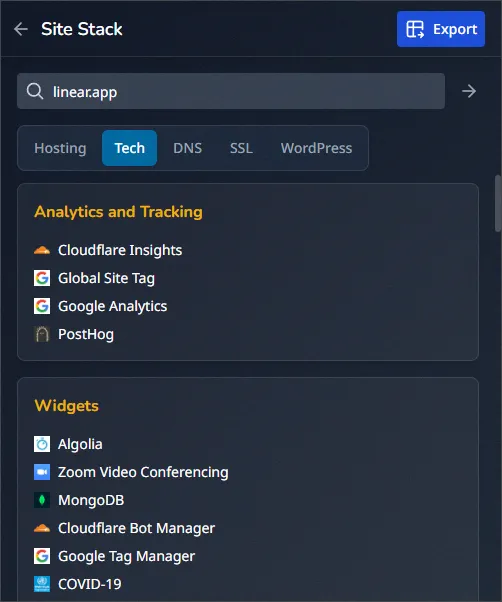
Frameworks, libraries, CMS platforms, analytics and plugins, each with a confidence score and a version number where the site exposes one.
Hosting
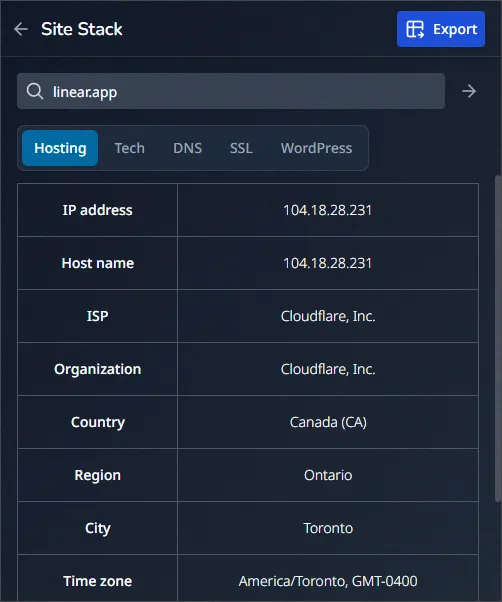
The hosting provider, server IP, ASN, IP range and ISP, down to the city, region and local time.
DNS
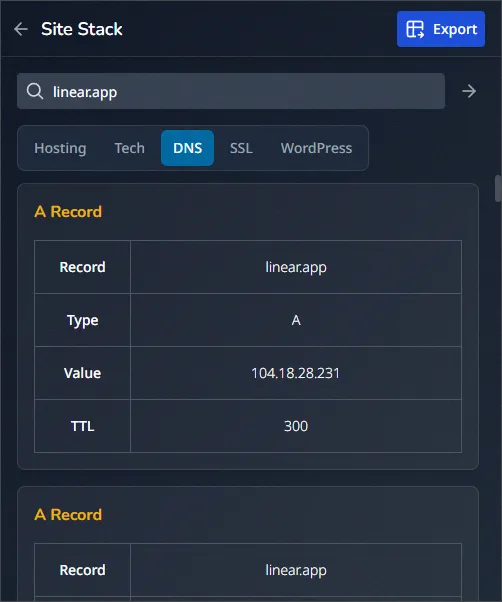
A, AAAA, CNAME, MX, TXT and NS records, with their values and TTLs written in units you can read.
SSL
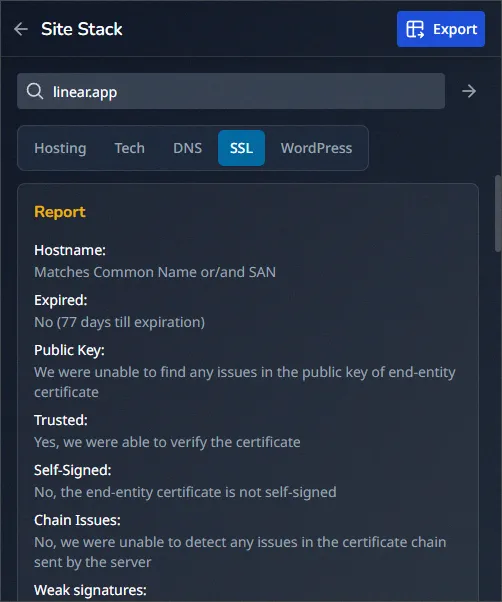
The certificate, who issued it, how long it's valid and which TLS version the server negotiated.
WordPress
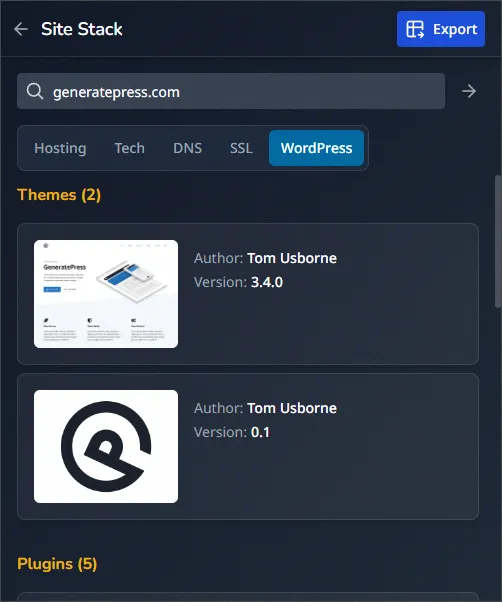
The active theme with its author, version and preview, plus installed plugins with icons, ratings and premium badges.
Confidence scores. Every detection says how sure it is on a 0 to 100 scale, so you can tell a fingerprint from a guess.
Versions. Where a site exposes the version it's running, Hoverify reports it alongside the name.
Certificates. Issuer, validity window and TLS version, read off the certificate without a terminal.
The details that decide whether you take the project
Knowing a site runs React is mildly interesting. Knowing it's on shared hosting, behind a certificate that expires in three weeks, running a theme the author abandoned, is the part that changes your estimate.
Where it actually lives
The hosting provider, server IP, ASN, IP range and ISP, with the location down to the city and its local time. Useful when a site feels slow from one continent and fine from another.
WordPress, in detail
The active theme with its author, version and preview, and the installed plugins with icons, ratings and a badge on the premium ones. It's the fastest way to see what a migration is really carrying.
Export a report clients can read
Turn the whole stack into a document you can send. Clients rarely want a screenshot of a browser panel, and this saves you rebuilding one in a slide deck.
Five sections. Hosting, technologies, DNS, SSL and WordPress each get a checkbox, so you send only the parts that matter.
Five formats. Markdown, PDF, JSON, CSV or plain text. PDF for the client, CSV for the spreadsheet.
One click. Hoverify builds the report from what it already read, so nothing is fetched twice.
Six record types. A, AAAA, CNAME, MX, TXT and NS, each with the value the resolver returned.
Nameservers. The NS records tell you who a domain delegates to, which is often the host you were looking for.
Readable TTLs. Record lifetimes in hours and minutes rather than raw seconds you have to divide.
What developers and designers say about Hoverify
Reviews from the Chrome Web Store and X.

Mike Oliver
My go-to browser extension when building websites. The support is amazing and very responsive.

Fajar Siddiq
I've been using Hoverify for months now. I'm glad to see how it started from the beginning. Is very useful, i love the product. I'm impressed so many things i can do with it. Congratulations Himanshu!
Frequently Asked Questions
Have a question we haven't answered? Get in touch.
Know what you're inheriting before you quote
Hoverify puts the stack checker next to the SEO audit, the CSS inspector and the screenshot tools. Read the stack, run the audit and export both as reports the client can read without you in the room.
- 3 browsers per license
- 14-day refund
- No auto-renewal

Keep reading
Guides from our blog that go deeper on this.
Tech stack analysis: what the top websites are using today
What shows up when you check the stacks of sites people actually visit, and what it tells you.
Read the guideHow to analyze any website's performance stack like a pro
Reading a site's stack for the parts that decide whether it loads fast or slowly.
Read the guideThe 5-minute site audit before a client meeting
A short routine for walking in knowing more about their site than they do.
Read the guideWappalyzer vs Hoverify
An honest comparison of the two tech stack checkers, including when free Wappalyzer is all you need.
Read the guideLast updated