Moto G Power screen size and viewport
444 by 980, wide for a phone. Punch hole, gesture bar and 2 finishes.
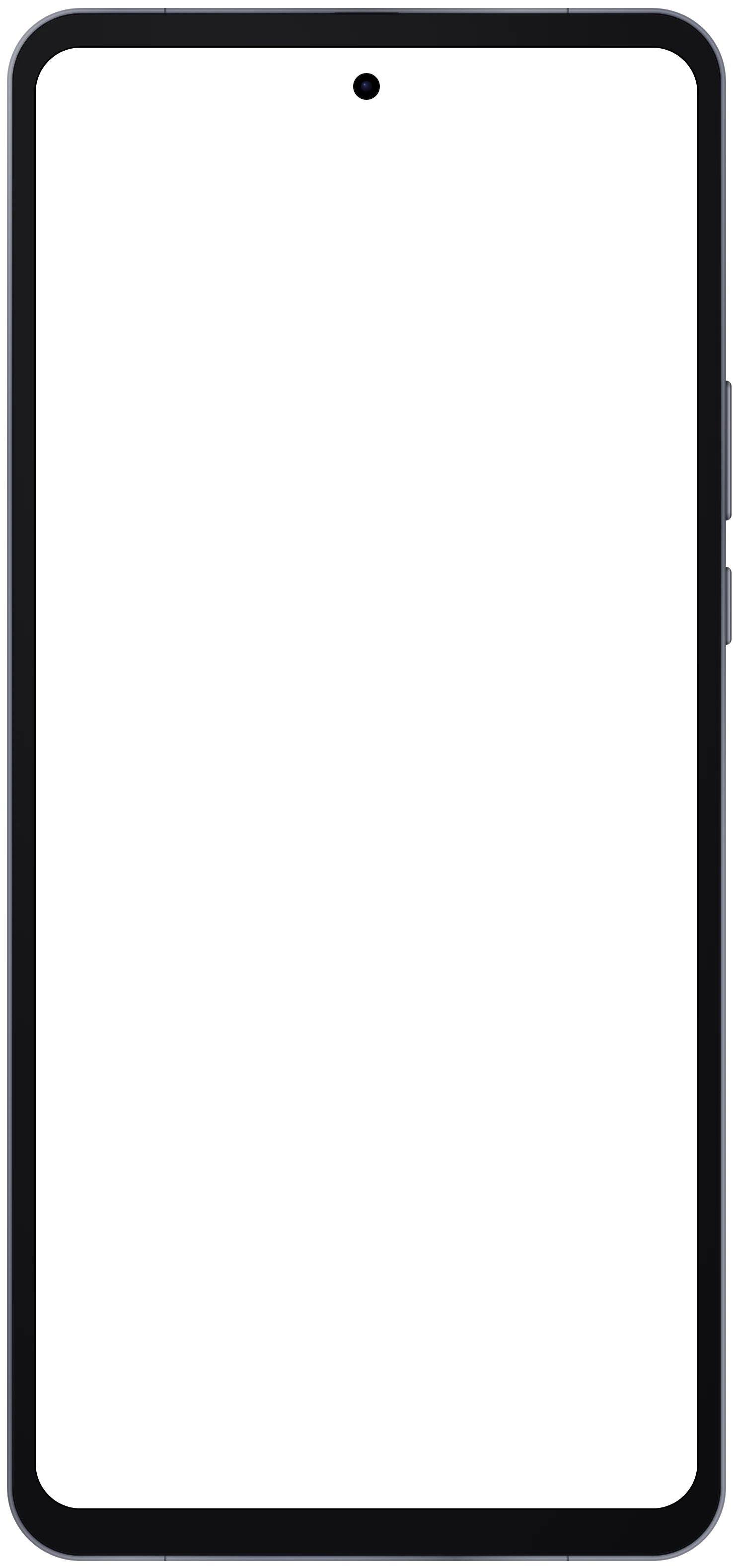
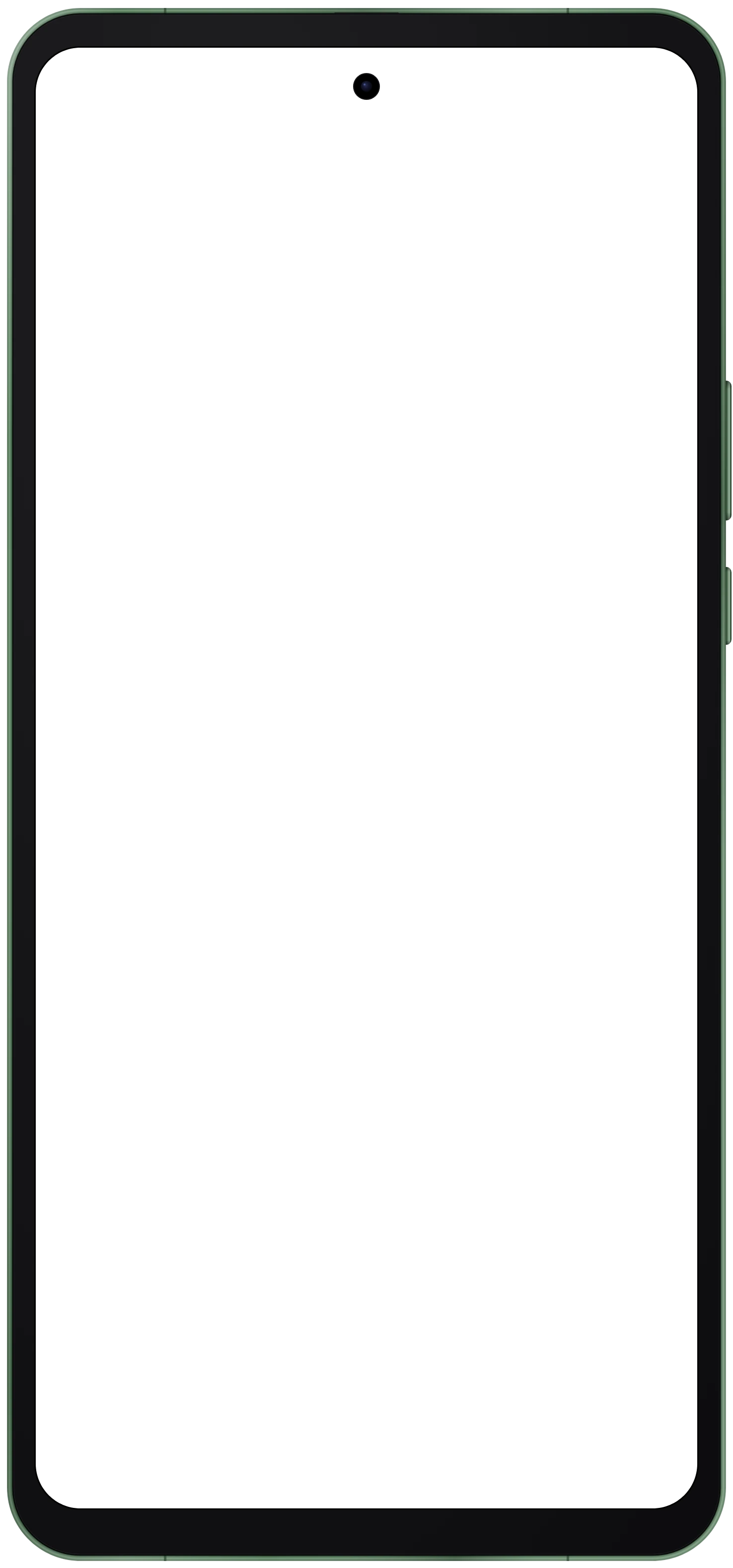
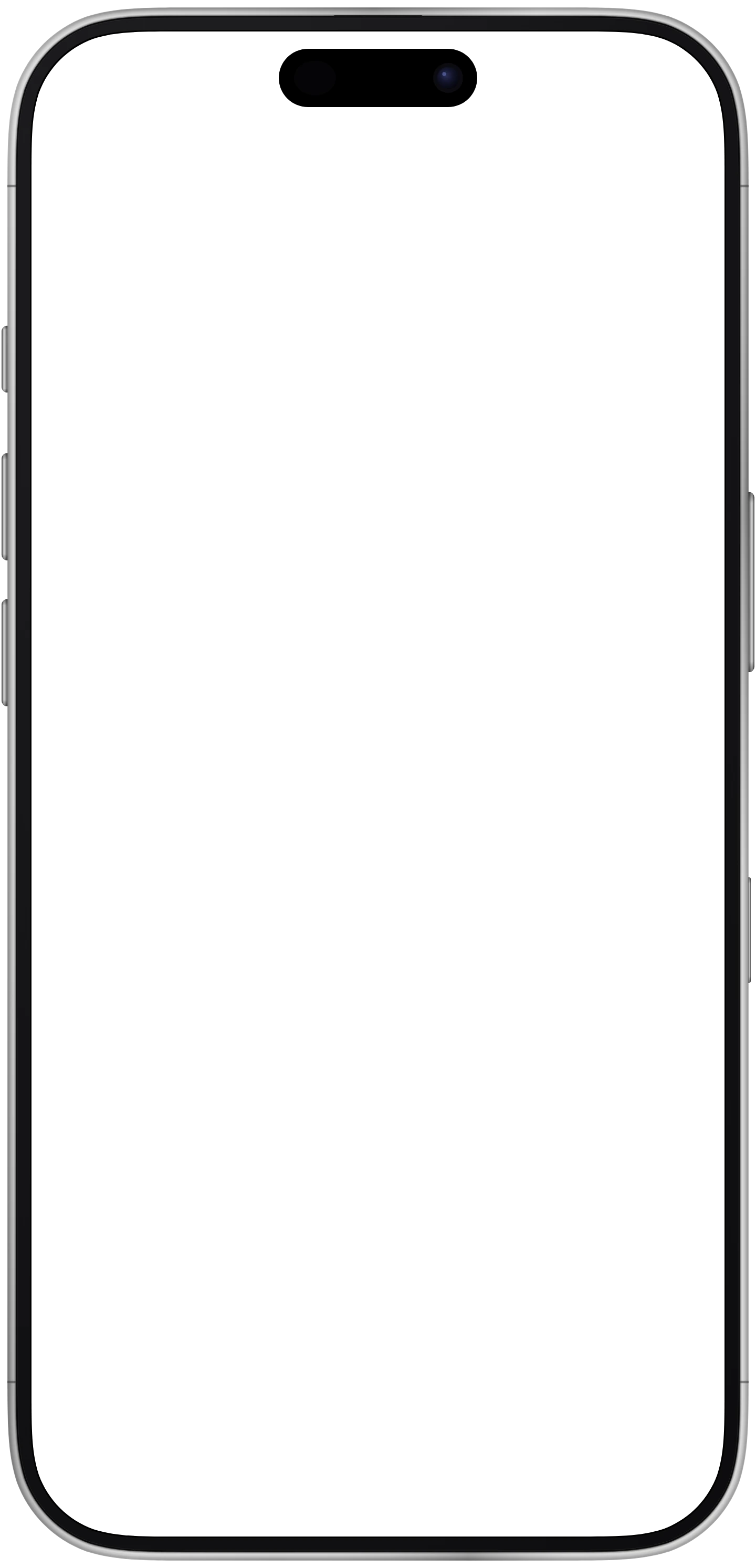
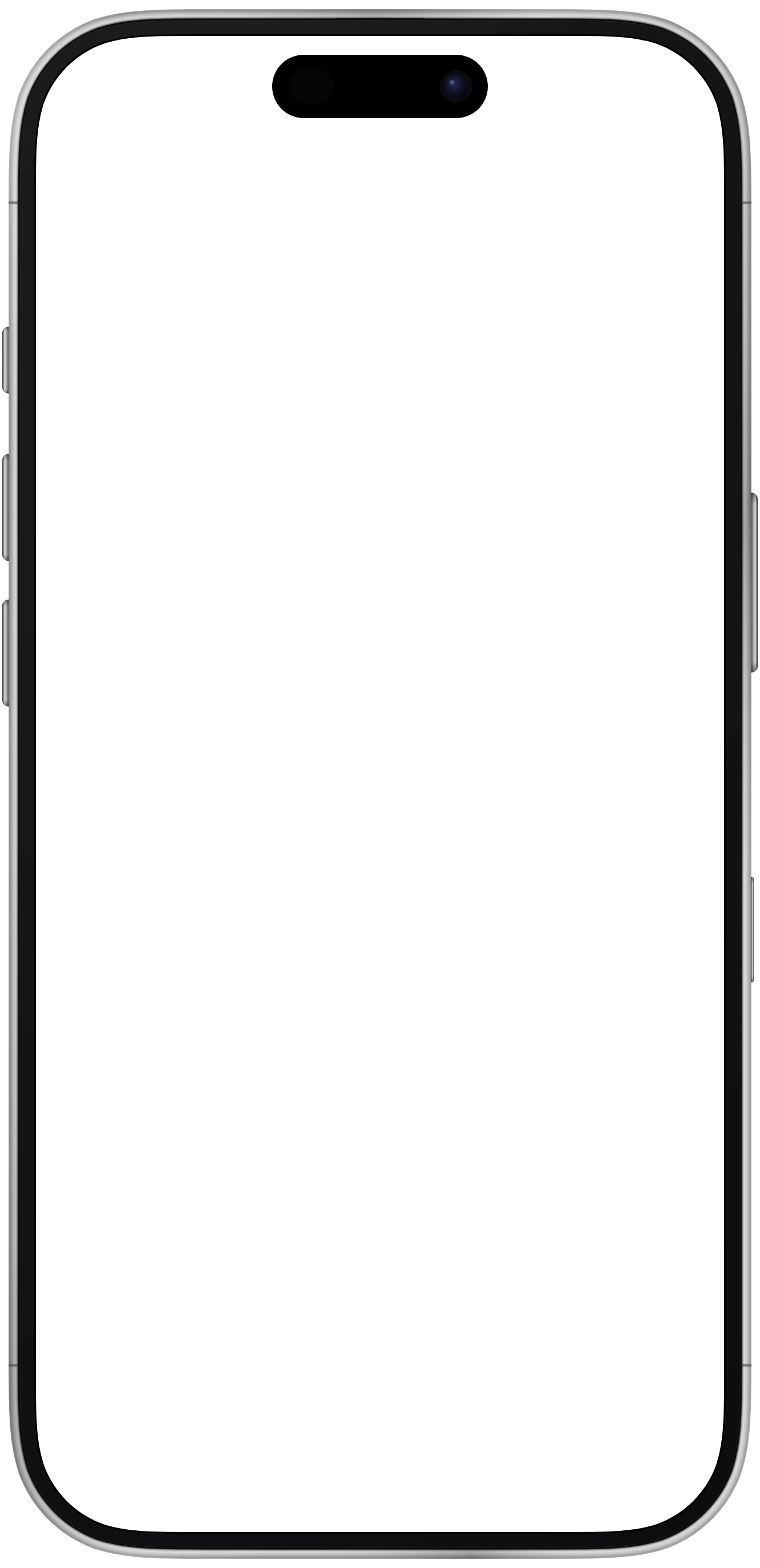
The punch hole camera is part of the bezel art and covers a small circle of the screenshot near the top edge. The viewport below is what Hoverify's responsive viewer renders the page at for this device, in CSS pixels. The frame image is that viewport plus the bezel, at 3 pixels per CSS pixel. Rows marked "in the frame image" are in those pixels, so they drop straight into Figma or Photoshop at the frame's full size.
- Viewport (CSS px)
- 444 × 980
- Operating system
- Android
- Screen cutout
- Punch hole camera
- Status bar height
- 38 CSS px
- Navigation
- Gesture bar
- Screen corner radius
- 90 px in the frame image (30 CSS px)
- Frame image
- 1476 × 3156 px at 3× (492 × 1052 CSS px)
- Screen opening offset
- 72 px from the left, 96 px from the top in the frame image (24 and 32 CSS px)
- Finishes
- Slate Gray, Leaf Green
Moto G Power frame PNG and WebP download
The bare bezel with a transparent screen opening, one file per finish. The WebP is the file the Hoverify extension ships. The PNG is decoded from it in your browser when you click, and the pixels are identical. You can use both in personal and commercial work under the device frames license, and credit is optional.
Frequently Asked Questions
Have a question we haven't answered? Get in touch.
Test your live site on every device at once
The responsive viewer in Hoverify loads your page inside this frame at 444 × 980, with Chrome's bars drawn around it, next to every other device you have added. Scroll one and they all scroll. Capture a framed screenshot from the device header when it looks right.
- 3 browsers per license
- 14-day refund
- No auto-renewal

More free tools
Last updated